Connect Apps to WhatsApp
Easily connect tools like Google Sheets, Razorpay, WooCommerce, and more with Wappbiz.



Automation · Official WhatsApp Business API
Easily connect Wappbiz with 1000+ popular apps using Pabbly Connect. Whether you’re collecting leads, sending WhatsApp notifications, or automating follow-ups, this integration helps you build smart workflows in just a few clicks — no technical skills required.
What you can dowith Pabbly Connect and WhatsApp.
Easily connect tools like Google Sheets, Razorpay, WooCommerce, and more with Wappbiz.
Send WhatsApp messages instantly when events happen — no manual work.
Drag-and-drop your way to powerful automations — without writing a single line of code.
Connect Pabbly Connectin 6 simple steps.
Go to Wappbiz Dashboard > Integrations > Pabbly Connect. Click Enable Integration to activate the connection.
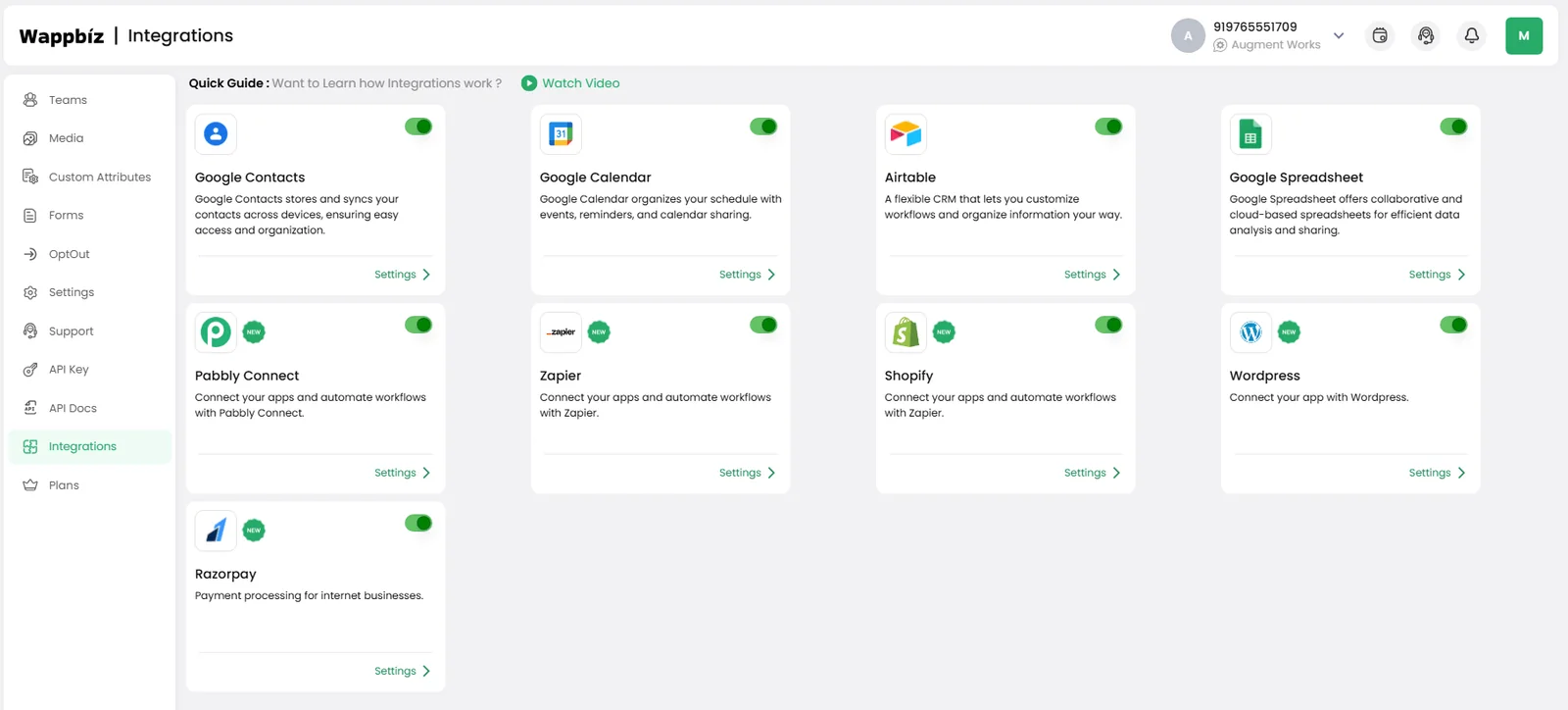
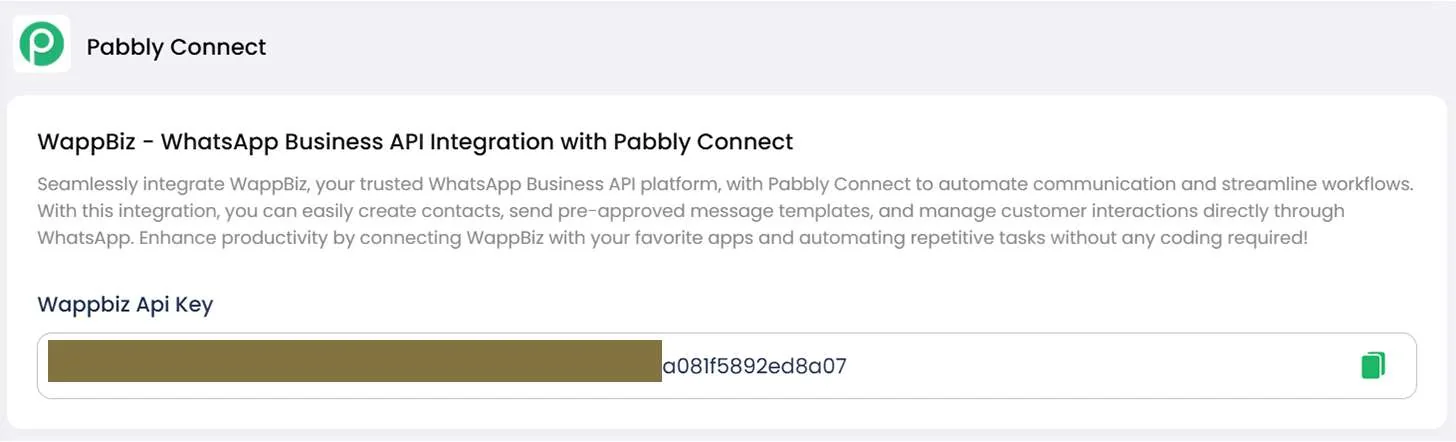
Click Generate Key to get your Wappbiz API Key. Copy this key — you’ll need to paste it into Pabbly.
Log in to Pabbly Connect. Click Create Workflow.
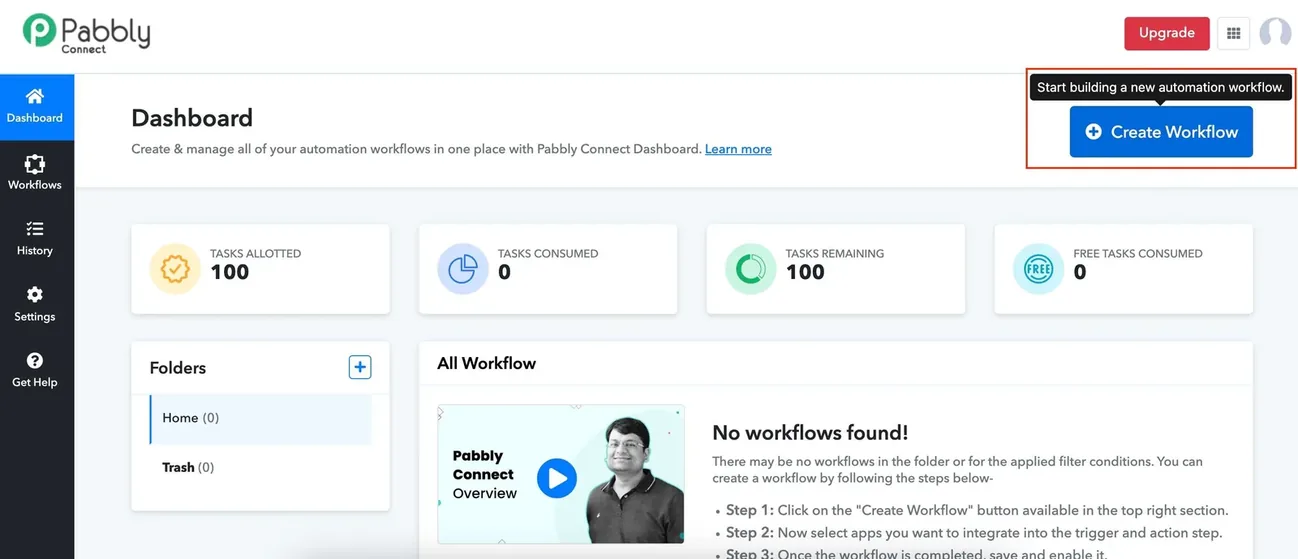
Choose a trigger app like Google Sheets, Razorpay, Typeform, etc. Configure your trigger (e.g., new row added, form submitted, etc.).
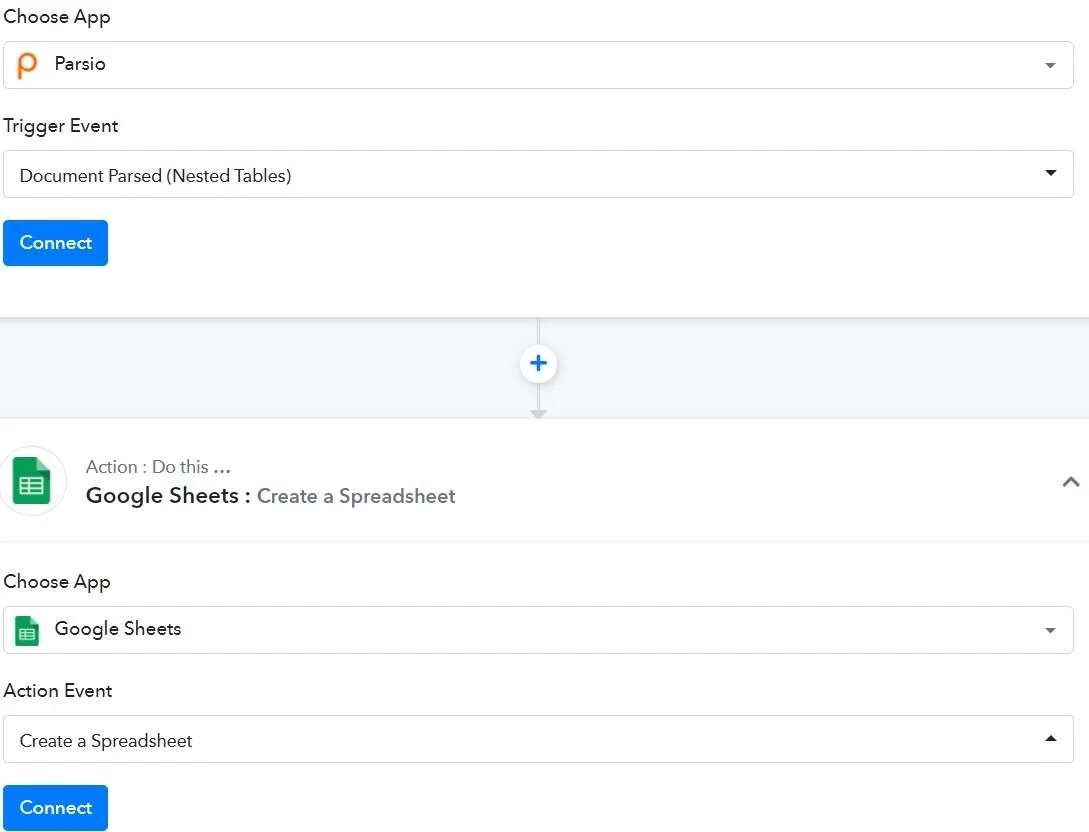
In the Action step, search for Wappbiz. Select the desired action: Send WhatsApp Message, Add Contact, etc. Paste the Wappbiz API Key to connect your account.
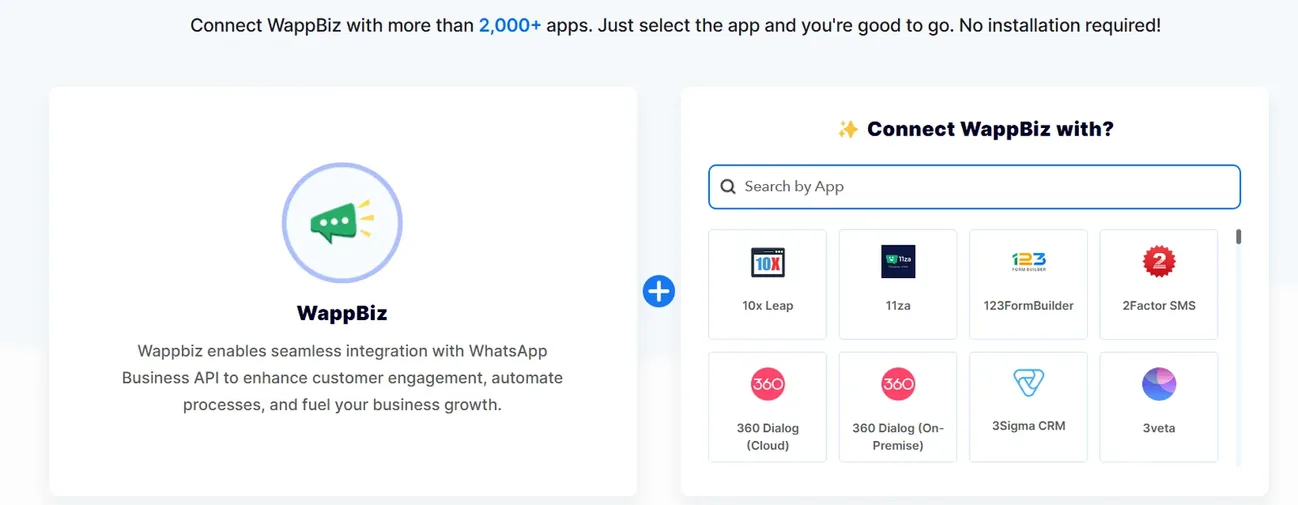
Map relevant fields like phone number, name, message content. Test your workflow to confirm everything works correctly. You’re Done!
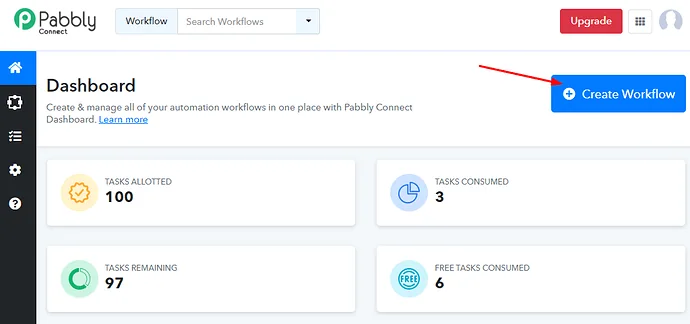
Pabbly Connect is connected. Start messaging customers from Wappbiz.
Build a WhatsApp Chatbot with Wappbiz.
ExploreDrip CampaignsUse Wappbiz to run a WhatsApp Drip Campaign, automate follow-ups, and nurture leads with scheduled, personalized messages—no manual work needed.
ExploreLead Management & Mini CRMManage WhatsApp leads with Wappbiz's built-in Mini CRM.
ExplorePabbly Connect is an automation tool that connects apps to automate workflows without coding.
Wappbiz enables integration with Pabbly Connect to automate sending WhatsApp messages with product details seamlessly.
Using Wappbiz, you can connect WhatsApp Business API with Pabbly Connect to send and receive messages automatically.
Pabbly Connect pricing depends on the Pabbly plan you choose; see Pabbly’s pricing page for current rates. Wappbiz provides the WhatsApp API integration and automation.
No coding knowledge is required as Wappbiz simplifies WhatsApp automation and integration with tools like Pabbly Connect.










Your next customeris already typing.
Put an AI agent on WhatsApp, Instagram and Messenger today.