Use Wappbiz Templates in Mdoc
Import available Wappbiz templates from the library and make them accessible within your MDOC workflows.



CRM & data · Official WhatsApp Business API
Use Wappbiz templates in MDoc and run them seamlessly across WhatsApp campaigns and automated communication workflows—all from one platform.
What you can dowith MDoc and WhatsApp.
Import available Wappbiz templates from the library and make them accessible within your MDOC workflows.
Build and run WhatsApp campaigns from MDOC with Wappbiz templates for structured real estate customer communication
Manage and reply to all Wappbiz WhatsApp chats directly within MDOC CRM, keeping team workflows in a single workspace.
Deploy WhatsApp campaigns instantly using 100+ pre-built templates without ever leaving MDOC.
Let smart chatbots automatically screen incoming inquiries 24/7, handing off only fully qualified prospects to your sales team.
Manage specialized property inquiries, site visits, and client follow-ups straight from your familiar MDOC dashboard using Wappbiz power.
Connect MDocin 4 simple steps.
Navigate to Manage > Integrations in your Wappbiz account.
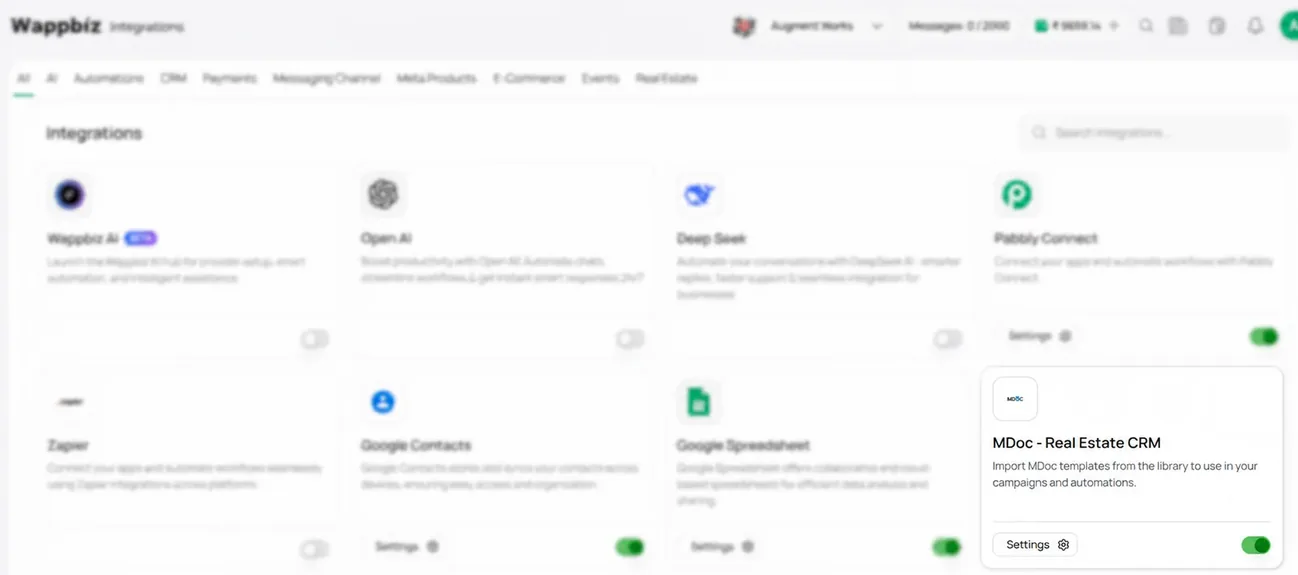
Select MDoc – Real Estate CRM from the Wappbiz Integrations section and open the integration settings.
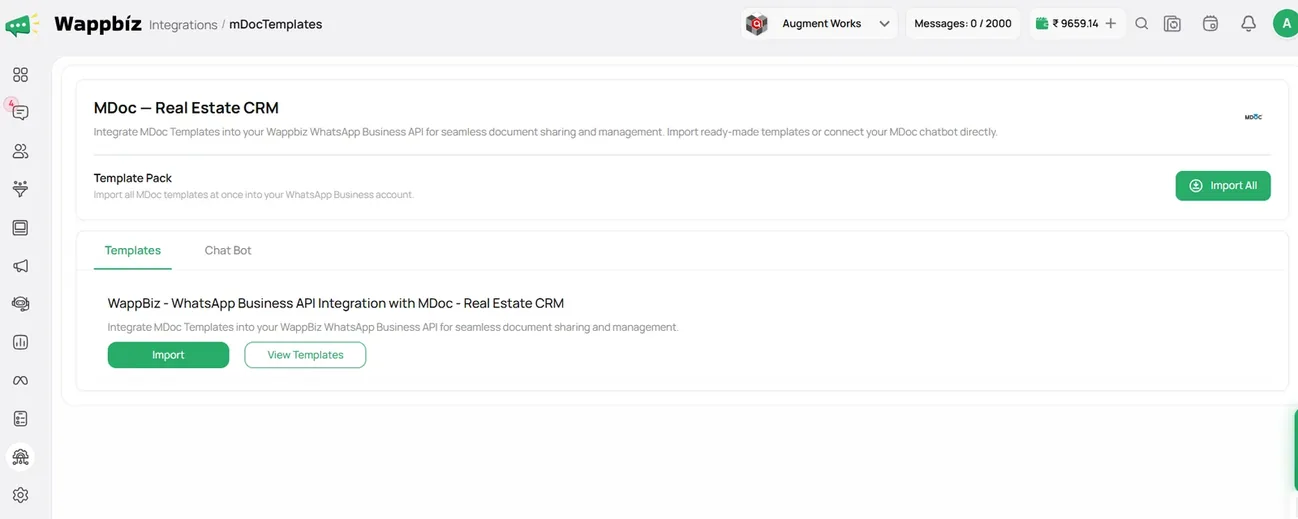
Select the MDoc templates you want to import into Wappbiz. Import the templates to use them in your campaigns and automations.
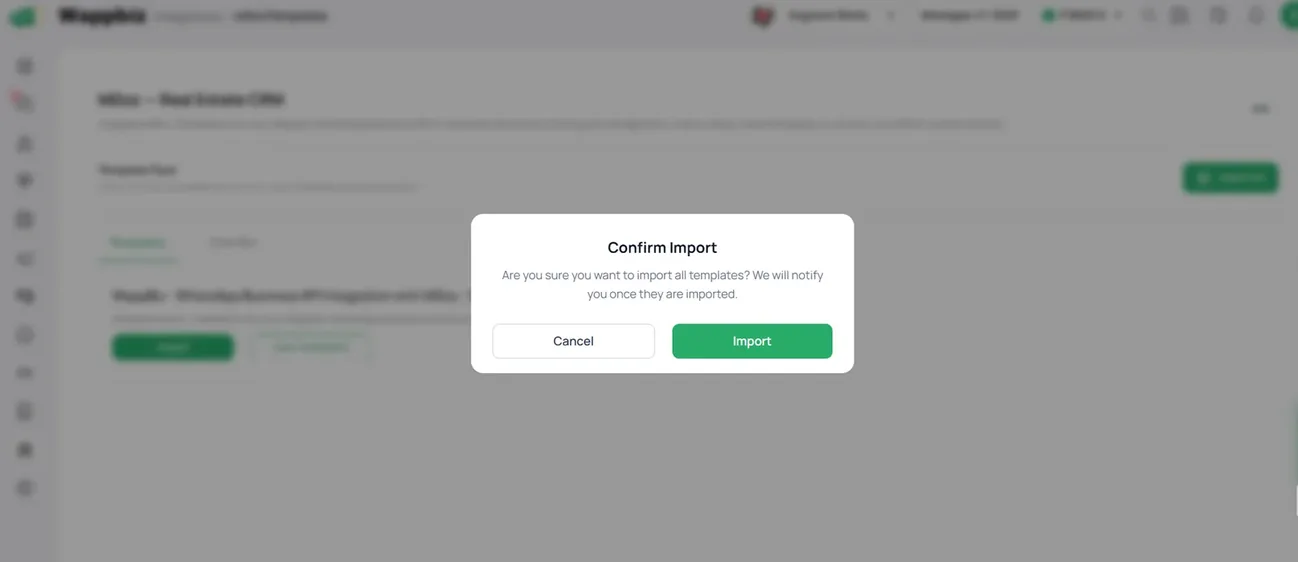
Once the integration is complete, you can import MDoc templates into Wappbiz and use them seamlessly across your campaigns and automations.
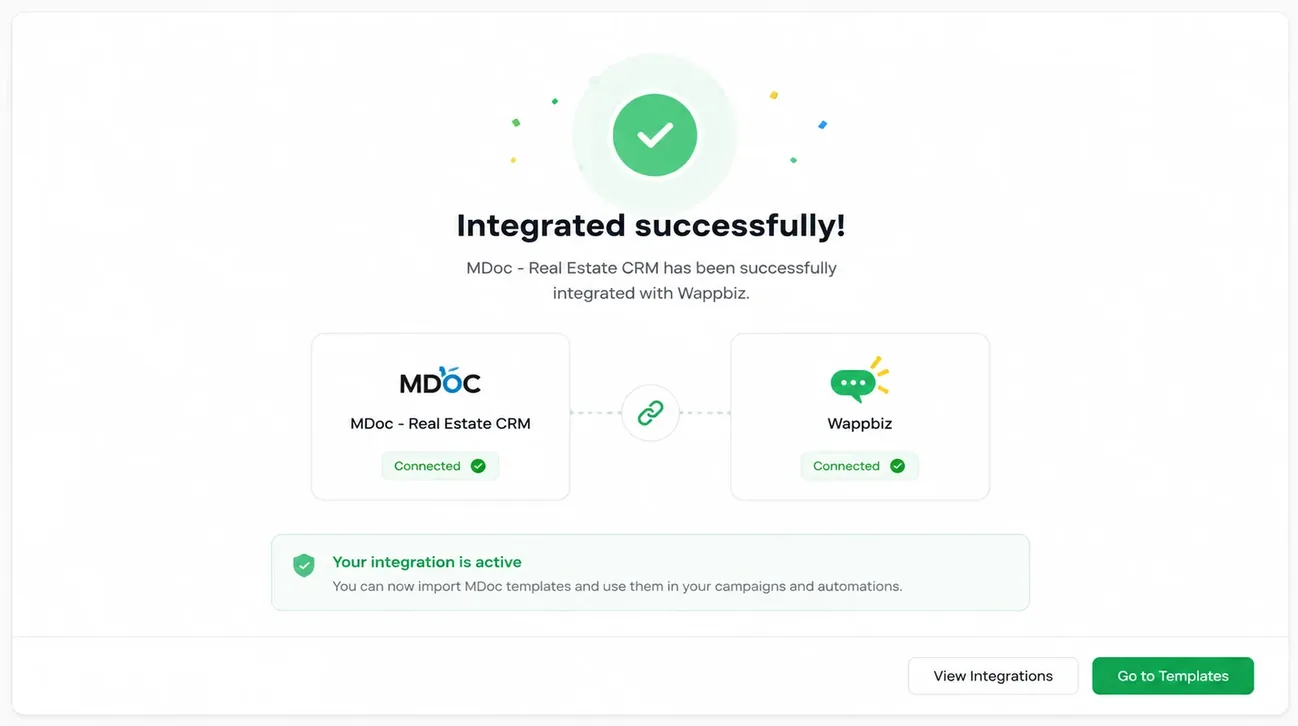
MDoc is connected. Start messaging customers from Wappbiz.
Send WhatsApp broadcast messages to 1000+ customers instantly.
ExploreWhatsApp ChatbotBuild a WhatsApp Chatbot with Wappbiz.
ExploreUnified Team InboxOne shared inbox for WhatsApp, Instagram, Messenger and website chat.
Explore Zoho CRM
WhatsApp messaging and customer engagement sync
Set up Airtable
Customizable CRM workflows and database organization
Set up Google Sheets
Collaborative spreadsheet sync for campaign and lead data
Set up Google Contacts
Contact synchronization and management across devices
Set upThe integration allows you to import MDoc templates into Wappbiz and use them in your WhatsApp campaigns and automations.
Yes. Once imported, MDoc templates can be used while creating relevant campaigns in Wappbiz.
Yes. Imported templates can be used within supported Wappbiz automation workflows.
Go to the Wappbiz Integrations section, select MDoc – Real Estate CRM, open the integration settings, and follow the available setup steps.
No. The integration is designed to let you import available MDoc templates into Wappbiz instead of recreating them manually.
You can find MDoc – Real Estate CRM under the Integrations section of your Wappbiz account.
It is especially useful for real estate businesses using MDoc that want to use their existing templates in WhatsApp campaigns and automated communication through Wappbiz.
Once connected, you can import MDoc templates into Wappbiz and use them across your supported campaigns and automations.










Your next customeris already typing.
Put an AI agent on WhatsApp, Instagram and Messenger today.