Automated Data Sync
Automatically update WhatsApp contacts & messages from Google Sheets.



CRM & data · Official WhatsApp Business API
Wappbiz now integrates with Google Sheets, allowing businesses to seamlessly sync, update, and automate customer interactions directly from their spreadsheets.
What you can dowith Google Sheets and WhatsApp.
Automatically update WhatsApp contacts & messages from Google Sheets.
Save time by eliminating manual data entry and updates.
Send messages directly from sheet entries.
Connect Google Sheetsin 3 simple steps.
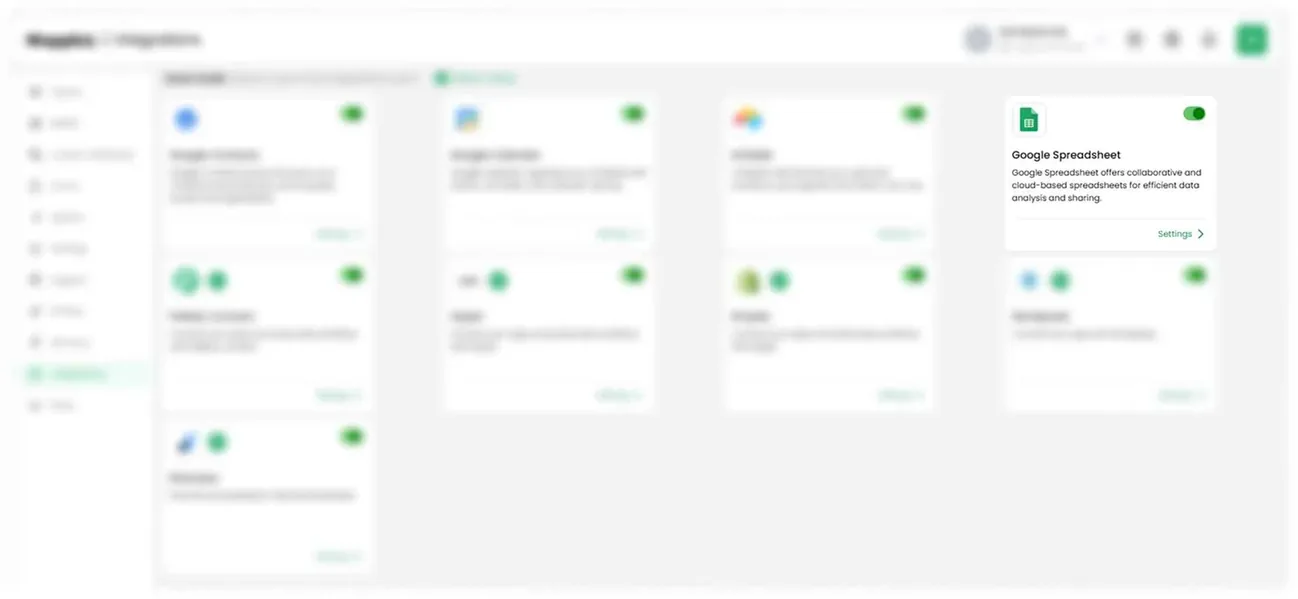
Select Google Sheets from the list of available integrations.
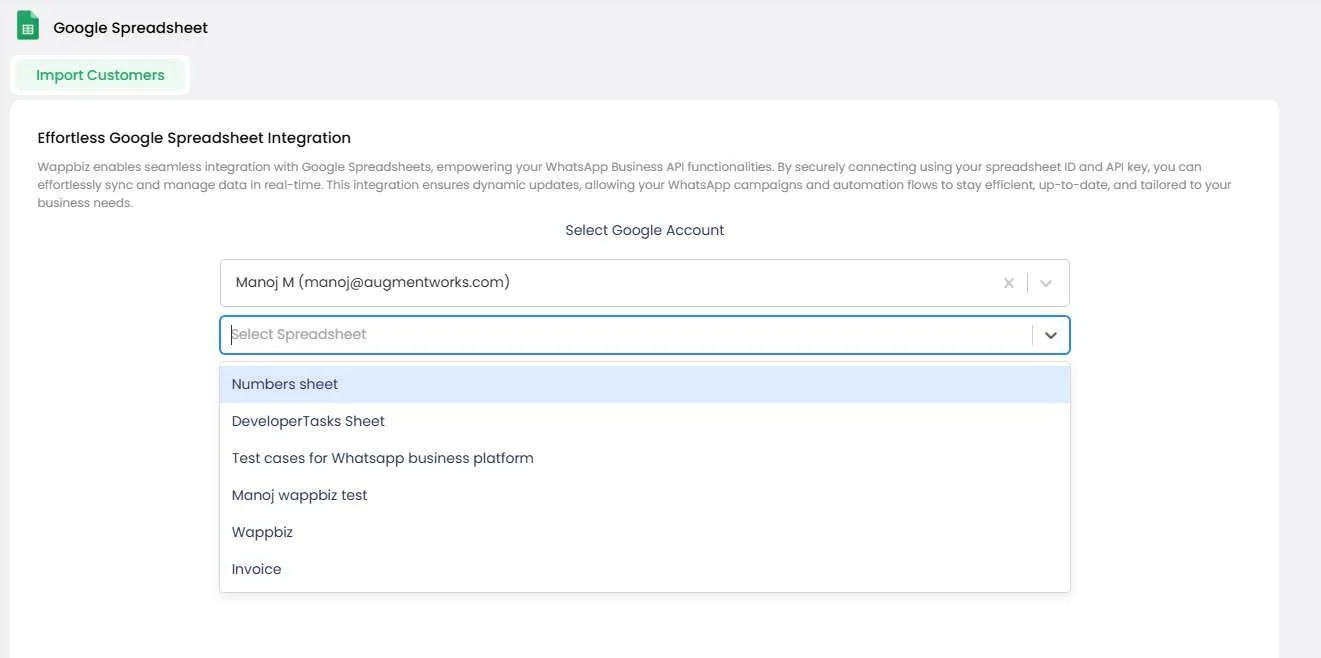
From the dropdown, select the Google Sheet you want to import contacts from. Choose the specific worksheet/tab (if multiple tabs exist).
Click Import Contacts. Your contacts will now appear in the Wappbiz Contacts List, ready for campaigns or automation!
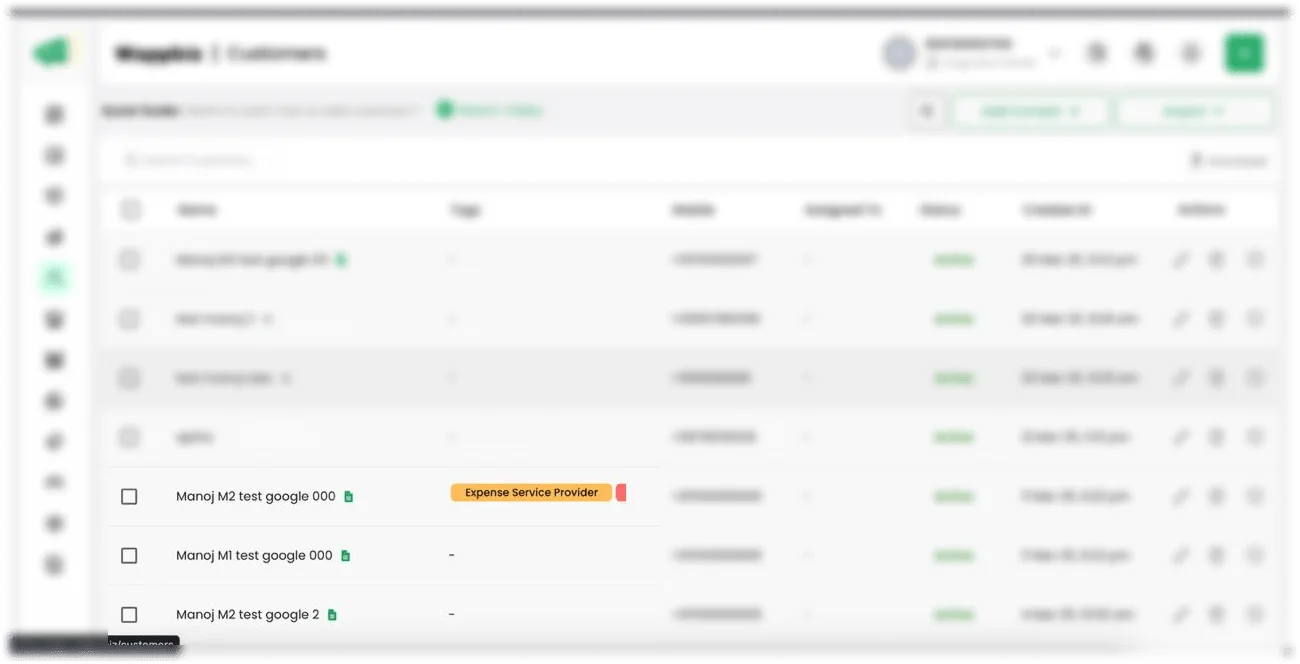
Google Sheets is connected. Start messaging customers from Wappbiz.
Send WhatsApp broadcast messages to 1000+ customers instantly.
ExploreAI Chatbot BuilderCreate WhatsApp chatbot workflows faster with an AI Chatbot Builder.
ExploreLead Management & Mini CRMManage WhatsApp leads with Wappbiz's built-in Mini CRM.
Explore Zoho CRM
WhatsApp messaging and customer engagement sync
Set up Airtable
Customizable CRM workflows and database organization
Set up Google Contacts
Contact synchronization and management across devices
Set up MDoc Real Estate CRM
Template library integration for real estate campaigns
Set upYes. Select the Google Sheet from the dropdown and choose the specific worksheet or tab if the file has more than one.










Your next customeris already typing.
Put an AI agent on WhatsApp, Instagram and Messenger today.